Using Helm Diff
Helm Diff is a lifesaver plugin that previews exactly what will change in your Kubernetes cluster before you actually deploy it! 🛡️
By clearly highlighting added, modified, and deleted resources, it allows you to safely inspect intended modifications and avoid terrifying deployment surprises.
📦 Installation
🌐 For Workstations with Internet Access
Run this quick one-liner:
helm plugin install https://github.com/databus23/helm-diff
🔒 For Air-Gapped Windows Workstations (Outnet)
Working securely offline? No problem. Install it manually by copying a few files into your HELM_PLUGINS directory:
- Clone the
helm-diffGitLab repository to your local machine. - Open the cloned folder and navigate to the
tar-gzdirectory. - Extract the
helm-diff-windows-amd64.tgzarchive. - Find your Helm plugins directory by running
helm env(look for theHELM_PLUGINSpath in the output). - If the
HELM_PLUGINSdirectory doesn't exist, create it! - Inside
HELM_PLUGINS, create a new folder calledhelm-diff. - Finally, copy the
bindirectory andplugin.yamlfile from your extracted archive directly into your newHELM_PLUGINS/helm-difffolder.
Boom! Helm Diff is ready to go on your Windows machine. 🎉
🚀 How to Use It
Ready to upgrade a chart? Let's assume your chart is named foo and your values file is dev-values.yaml.
Navigate to your chart directory and run:
helm diff upgrade foo --values dev-values.yaml .
Need to merge multiple values files? Just chain them:
helm diff upgrade foo --values dev-values.yaml --values dev1-values.yaml .
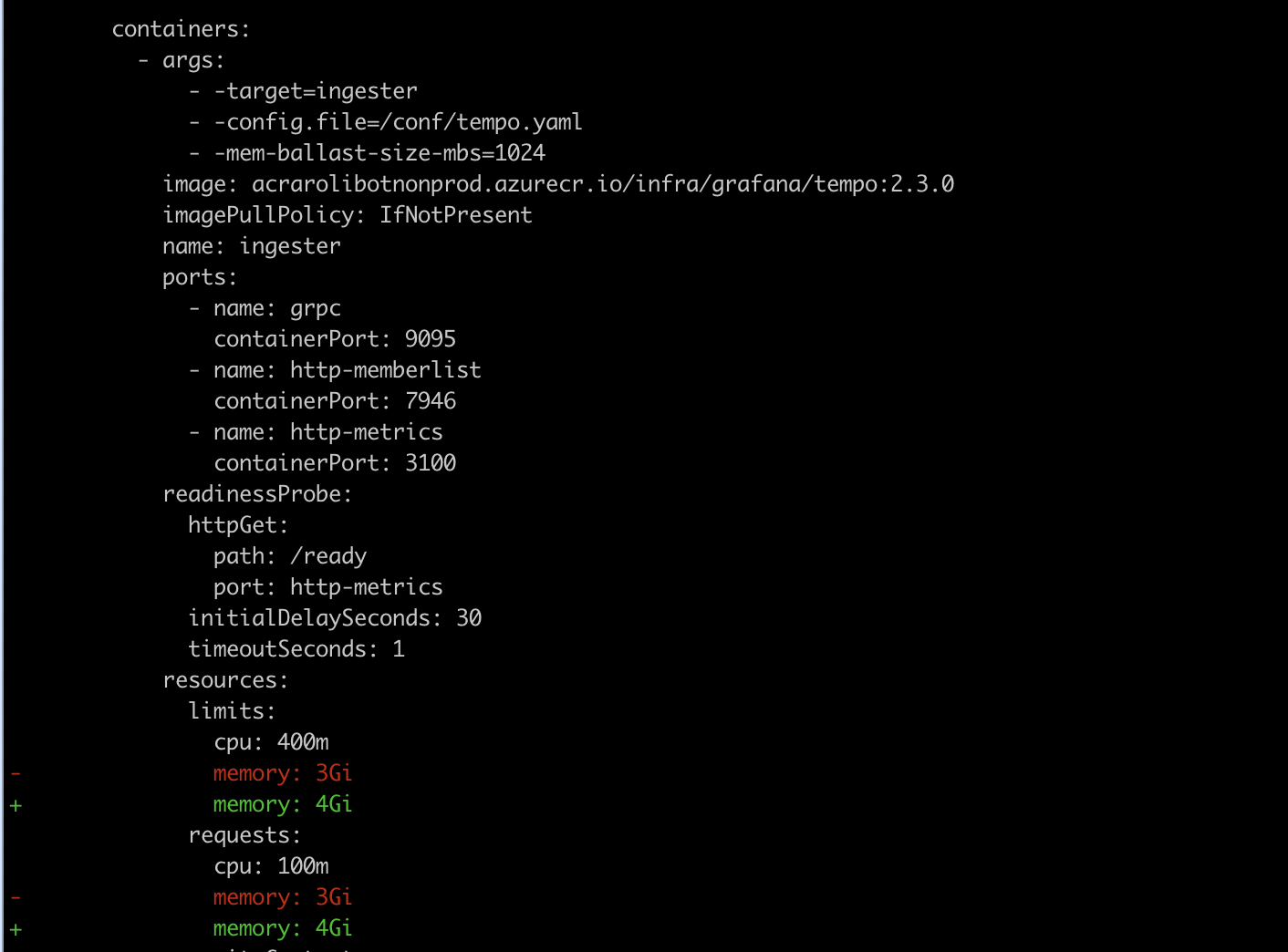
If there are any differences between your cluster's current state and your new configuration, the plugin will spit out a clear, color-coded diff showing exactly which Kubernetes objects will be created, modified, or deleted!
Example Output: